Maililo
What Is SMTP and How Does It Work?
A clear explanation of SMTP — the protocol behind every email sent — including ports, authentication and common error codes.
By Maililo Team · Published · Updated · 2 min read
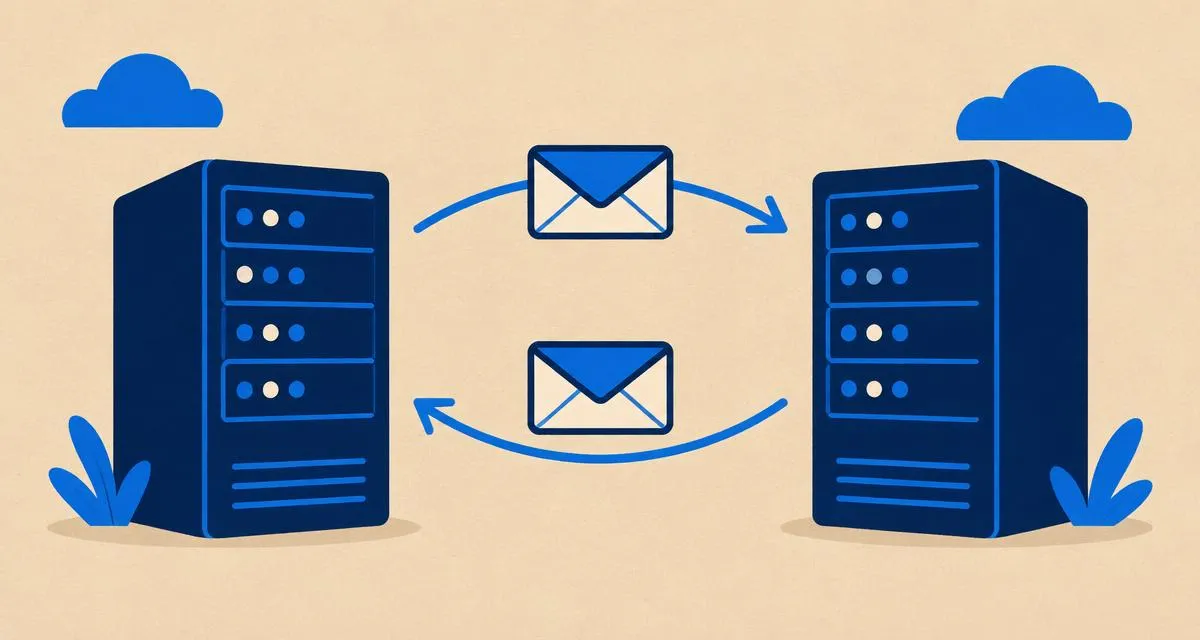
SMTP (Simple Mail Transfer Protocol) is the standard used to send email. Every message you send — from a phone, a laptop or a website contact form — travels over SMTP at least once.
How SMTP works, step by step
- You click Send. Your mail app connects to your provider's SMTP server and logs in with your email address and password.
- Your server accepts the message and looks up the recipient domain's MX record.
- Server-to-server delivery. Your server connects to the recipient's mail server over SMTP and hands over the message.
- Checks. The receiving server checks SPF, DKIM and DMARC, runs spam filters, and either accepts, rejects, or files the message in spam.
- The recipient reads it using IMAP, POP3 or webmail.
SMTP only moves mail. Reading it is done with IMAP or POP3.
SMTP ports explained
| Port | Use | Encryption |
|---|---|---|
| 25 | Server-to-server delivery | Optional STARTTLS |
| 465 | Mail app to your provider (submission) | Implicit SSL/TLS from the start |
| 587 | Mail app to your provider (submission) | STARTTLS upgrade |
As a user setting up a mail app, you'll use 465 or 587 — whichever your provider documents. Port 25 is for servers and is blocked by many home internet providers. Maililo uses port 465 with SSL/TLS on mail.maililo.com.
SMTP authentication
Your provider's SMTP server only accepts mail from logged-in users, so strangers can't send through it. In your mail app, make sure "My outgoing server requires authentication" (or similar) is turned on and uses your full email address as the username.
Common SMTP error codes
SMTP replies with three-digit codes:
- 2xx — success (for example
250 OK) - 4xx — temporary problem; the server will retry (for example
421try again later,450mailbox busy) - 5xx — permanent failure; the message bounces (for example
550mailbox not found or rejected by policy,554transaction failed)
A 5.7.x code usually means an authentication or policy problem — often SPF, DKIM or DMARC. See SPF vs DKIM vs DMARC.
Troubleshooting sending problems
- "Cannot connect to server": check the host name, port and encryption setting match exactly.
- "Authentication failed": re-enter your password; use the full email address as username.
- Messages send but never arrive: check the recipient's spam folder, then your SPF/DKIM/DMARC. Read why emails go to spam.
FAQ
Is SMTP secure? The connection is encrypted when you use port 465 or STARTTLS on 587. Message content between servers is encrypted when both servers support TLS, which most do today.
Can I use SMTP to send from a website? Yes, many website plugins send through an SMTP account. Use a dedicated mailbox and keep volume modest.