Maililo
Why Are My Emails Going to Spam? 12 Common Reasons
Twelve common reasons legitimate business mail ends up in the spam folder, and what you can do about each.
By Maililo Team · Published · Updated · 2 min read
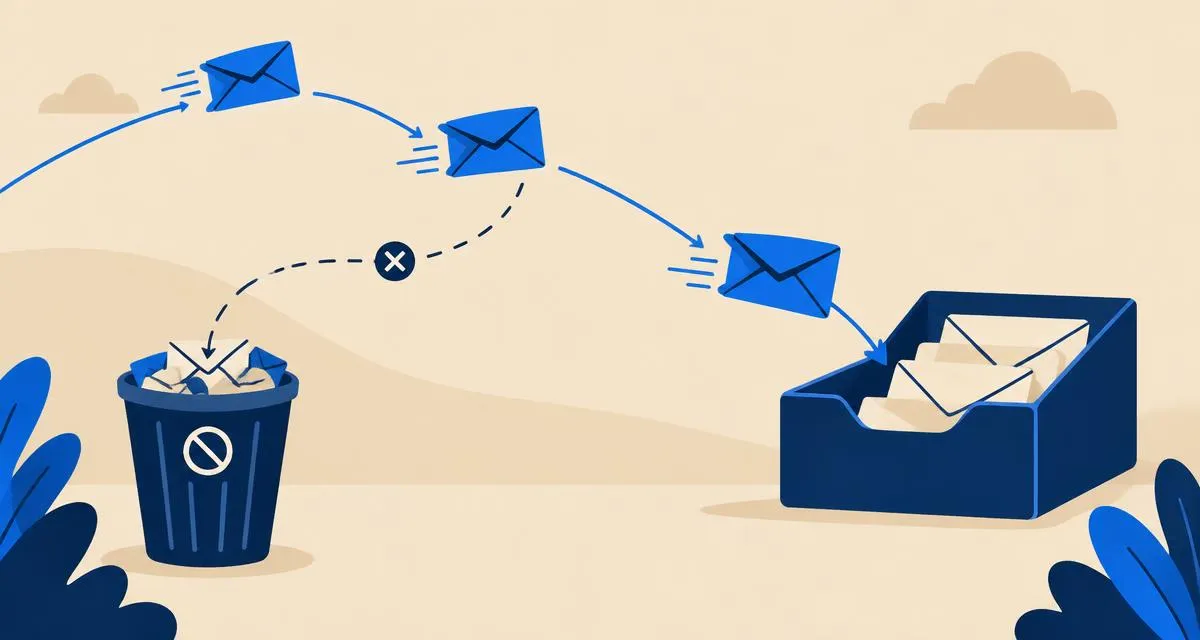
Nothing is more frustrating than sending an important quote or invoice and finding out it landed in the recipient's spam folder. Spam filters look at dozens of signals. These are the twelve most common reasons legitimate business mail gets flagged — and how to fix them.
1. Missing SPF record
Without SPF, receivers can't tell whether the sending server is allowed to send for your domain. Fix: publish one SPF TXT record listing your mail provider.
2. Missing or broken DKIM
Unsigned mail looks suspicious to Gmail, Outlook and Yahoo. Fix: add the DKIM records your provider generates, exactly as shown.
3. No DMARC policy
Major mailbox providers now expect DMARC, especially for anyone sending in volume. Fix: add a _dmarc TXT record. See our SPF, DKIM and DMARC guide.
4. Two SPF records
Having two SPF records makes SPF fail completely. Fix: merge them into a single record.
5. Sending from a brand-new domain
New domains have no reputation, so filters are cautious. Fix: start with normal one-to-one conversations, avoid bulk sends for the first few weeks, and grow volume gradually.
6. Recipients marking you as spam
Complaints hurt your reputation fast. Fix: only email people who expect to hear from you, and make unsubscribing easy for any marketing mail.
7. Sending bulk mail from your business mailbox
Newsletters sent from a normal mailbox to hundreds of recipients look like spam and can damage the reputation of your everyday mail. Fix: use a dedicated newsletter service for marketing and keep your mailbox for conversations.
8. Spammy content
All-caps subject lines, lots of exclamation marks, "FREE!!!", or a message that's one big image with little text. Fix: write like a person, use a clear subject, and keep a good balance of text and images.
9. Suspicious links or attachments
Link shorteners, links whose visible text doesn't match the destination, and executable or macro-enabled attachments are red flags. Fix: link to your own domain in full, and share large or unusual files via a link.
10. Mismatched From and Reply-To
A From address on one domain and a Reply-To on a completely different free email service is a classic phishing pattern. Fix: keep them on the same domain.
11. Your server or IP is on a blocklist
If your provider's sending IP was abused, it may be listed. Fix: check a blocklist lookup tool; if listed, contact your provider.
12. Emailing invalid addresses
Lots of bounces tell providers you don't keep your lists clean. Fix: remove addresses that bounce and double-check addresses you type by hand.
How to diagnose a specific message
- Send a message to a Gmail address you control.
- Open it and choose Show original.
- Look at SPF, DKIM and DMARC results. Anything other than PASS is the first thing to fix.
Quick checklist
- One SPF record, including your provider
- DKIM records published and passing
- DMARC record at
_dmarc - Consistent From and Reply-To domain
- No bulk sending from your personal mailbox
- Clean, human-written content
Keep going with how to improve email deliverability.
Want authentication handled for you? Maililo email hosting signs your mail with DKIM and checks your DNS records.