Maililo
How to Improve Email Deliverability
A practical checklist to help your business emails reach the inbox instead of the spam folder.
By Maililo Team · Published · Updated · 2 min read
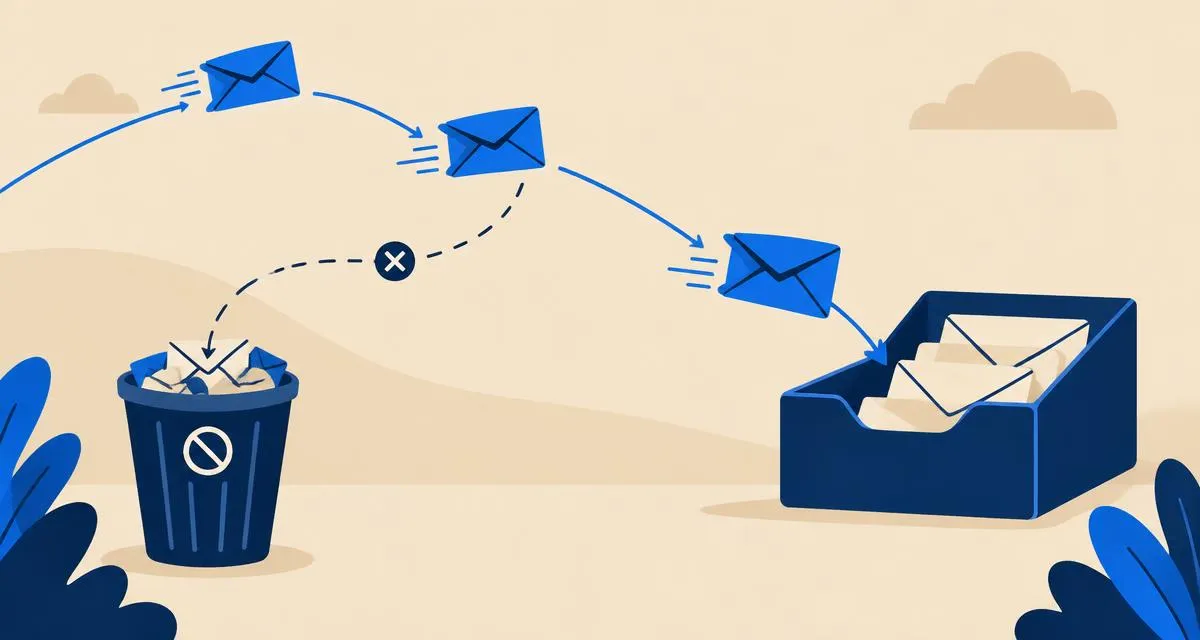
Email deliverability is the share of your messages that actually reach the recipient's inbox — not just "delivered" to their server, but not filtered into spam. Here's a practical checklist to improve it.
1. Authenticate your domain
This is the foundation. Receivers like Gmail and Outlook heavily favor authenticated mail.
- SPF: one TXT record listing every service that sends as your domain.
- DKIM: sign every message; publish the public keys your provider gives you.
- DMARC: publish a policy at
_dmarc, start with monitoring if unsure, then move toquarantineorreject.
Full explanation: SPF vs DKIM vs DMARC.
2. Make every sending service align
If you send from several tools — your mailbox, an invoicing app, a newsletter service, a help desk — each one must be allowed by SPF and ideally sign with DKIM for your domain. Otherwise DMARC can fail for messages from those tools.
3. Keep a consistent identity
- Use the same From domain and a recognizable sender name.
- Keep Reply-To on the same domain.
- Use your own domain in links rather than link shorteners.
4. Separate conversations from marketing
Send newsletters and promotions from a dedicated marketing service, ideally on a subdomain such as news.yourcompany.com. That way a complaint on a campaign doesn't hurt the reputation of your everyday business mail.
5. Only email people who want to hear from you
- Never buy lists.
- Use confirmed opt-in for newsletters.
- Include a one-click unsubscribe in bulk mail.
- Remove people who haven't engaged in a long time.
Spam complaints are one of the strongest negative signals. Google recommends keeping the complaint rate below 0.3%.
6. Clean up bounces
Remove addresses that hard-bounce (for example "mailbox does not exist"). High bounce rates suggest poor list quality.
7. Warm up new domains gradually
A brand-new domain has no reputation. Start with normal one-to-one mail and increase volume slowly over a few weeks before any larger sends.
8. Write like a human
- Clear, specific subject lines
- A healthy balance of text and images
- No misleading subject lines or excessive punctuation
- Avoid attachments with macros or executables
9. Monitor
- Read your DMARC aggregate reports to spot unknown senders.
- Use Show original in Gmail on test messages to confirm SPF, DKIM and DMARC pass.
- Google Postmaster Tools shows your domain's reputation if you send enough mail to Gmail users.
- Check blocklists if deliverability suddenly drops.
Quick checklist
- One SPF record, all senders included
- DKIM passing for every service
- DMARC record published
- Marketing separated from business mail
- Opt-in lists, easy unsubscribe
- Bounces removed
- Monitoring in place
Seeing specific problems? Read why emails go to spam. Setting up a new domain? Follow custom domain email setup.